Fresh updates, new features, and a few things we think you’ll love. From powerful tools and an improved platform experience to a clean, modern design that makes investing feel effortless.
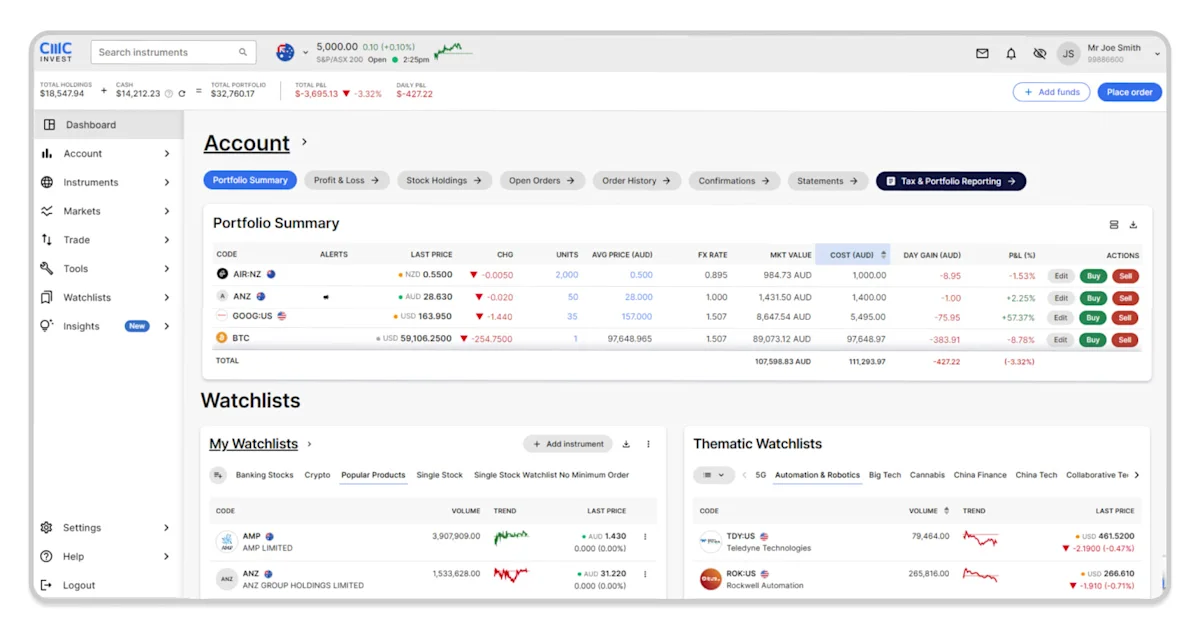
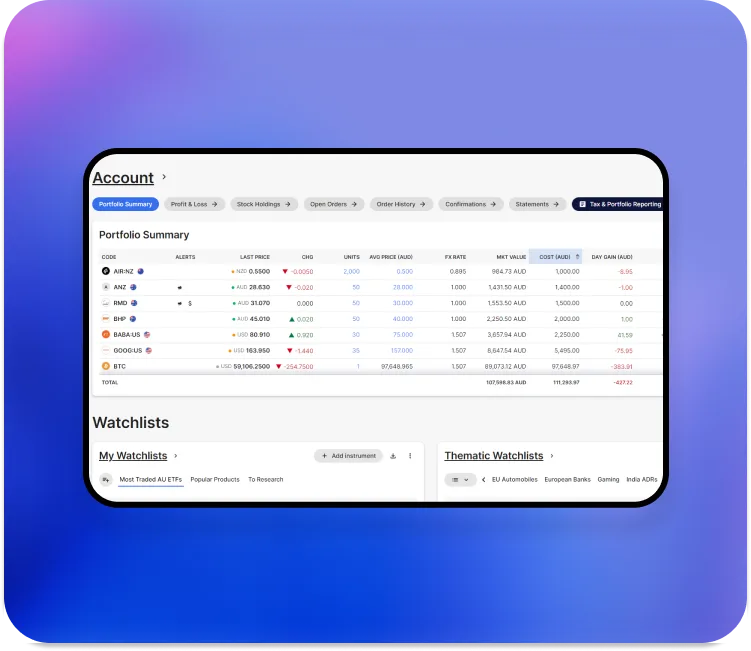
Switch to the new CMC Invest web platform
Haven’t made the switch yet?
Our improved platform offers advanced tools, effortless navigation, and next-level security. The existing web platform will be retired soon, so make the switch today to enjoy the latest investing experience.
Discover powerful new tools to advance your investing:
A redesigned dashboard with portfolio summaries, favourite stocks, and thematic watchlists
Heatmaps to compare the performance of hundreds of stocks and ETFs
Portfolio grouping by market, sector, or product type
Dark mode for a modern, personalised trading experience
How to switch: Select the ‘Try new design’ option in the top-right corner of your web platform, then choose ‘Try it now’.
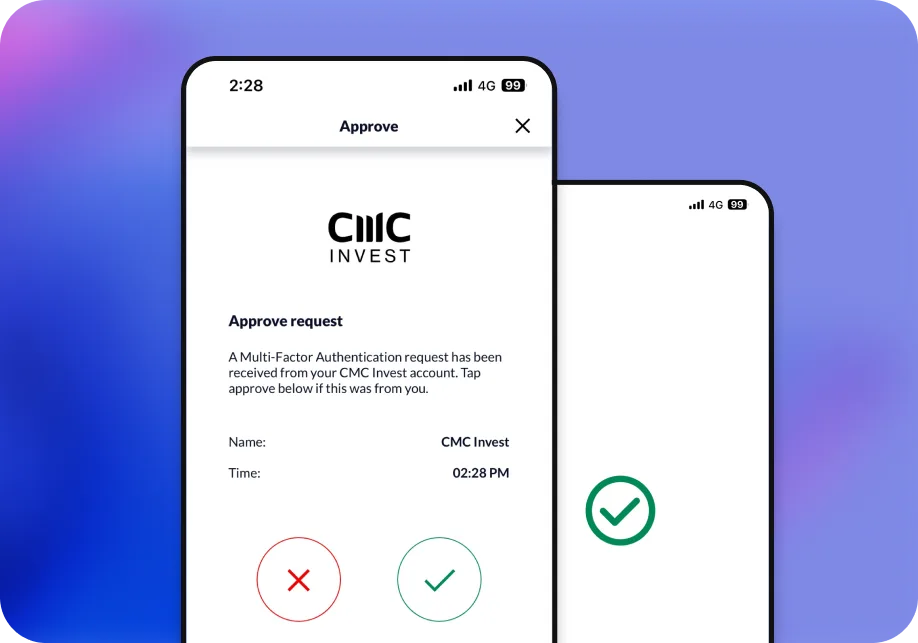
Enhanced account security with multi-factor authentication
Your new web platform now has multi-factor authentication (MFA) activated by default, using SMS verification when logging in from untrusted devices, incognito mode, or a VPN.
To further strengthen your security, you can enable push notifications or your authenticator app by navigating to: ‘Settings’ > ‘Multi-factor authentication’ > ‘Activate’.
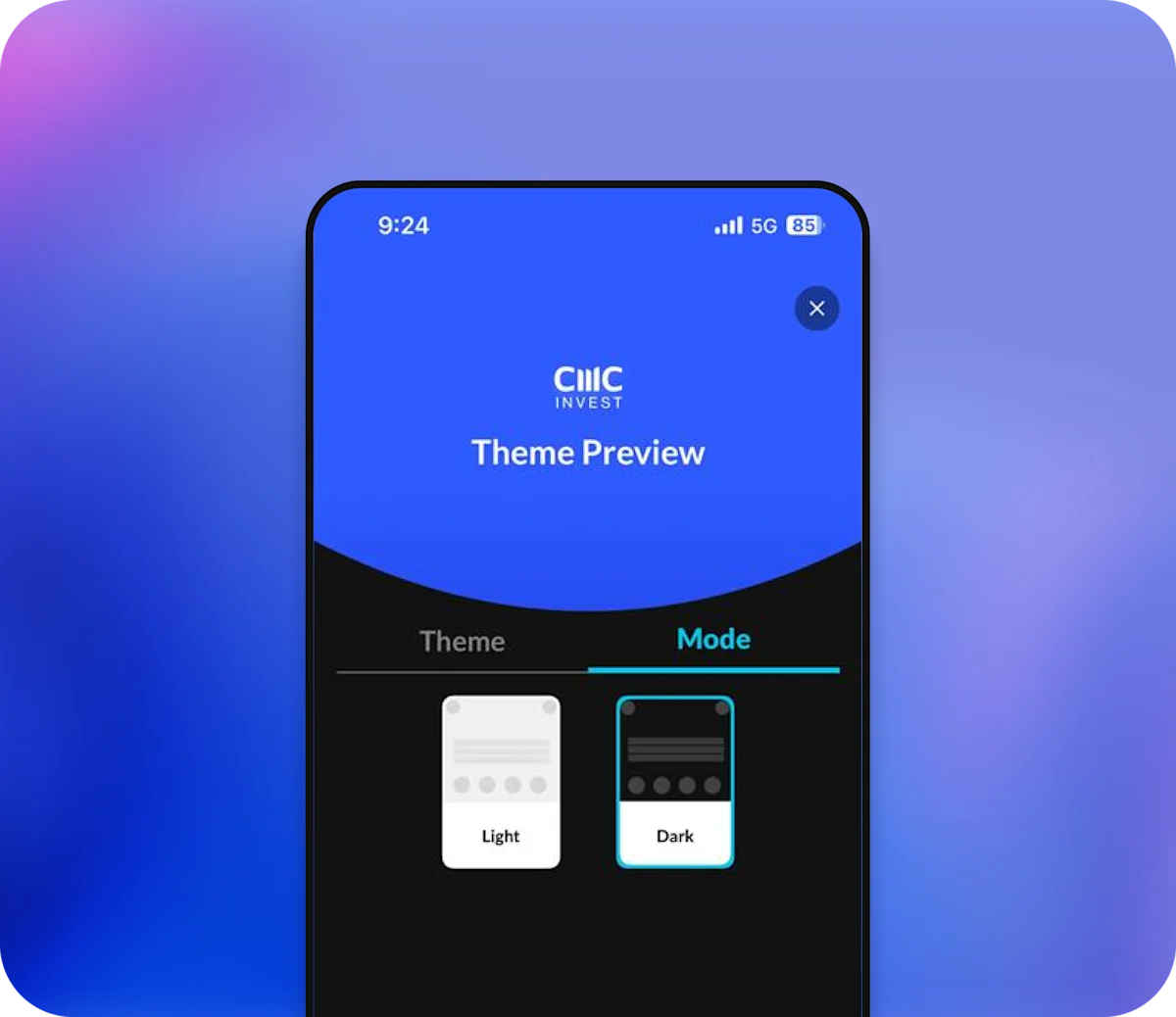
Dark mode
Invest comfortably, day or night.
You can now switch between Light and Dark mode on the web platform for a viewing experience that suits your environment. The new web platform will need to be enabled to use dark mode on mobile.
To select dark mode, click the Theme icon in the top-right corner, then select:
Theme > Mode > Light or Dark.
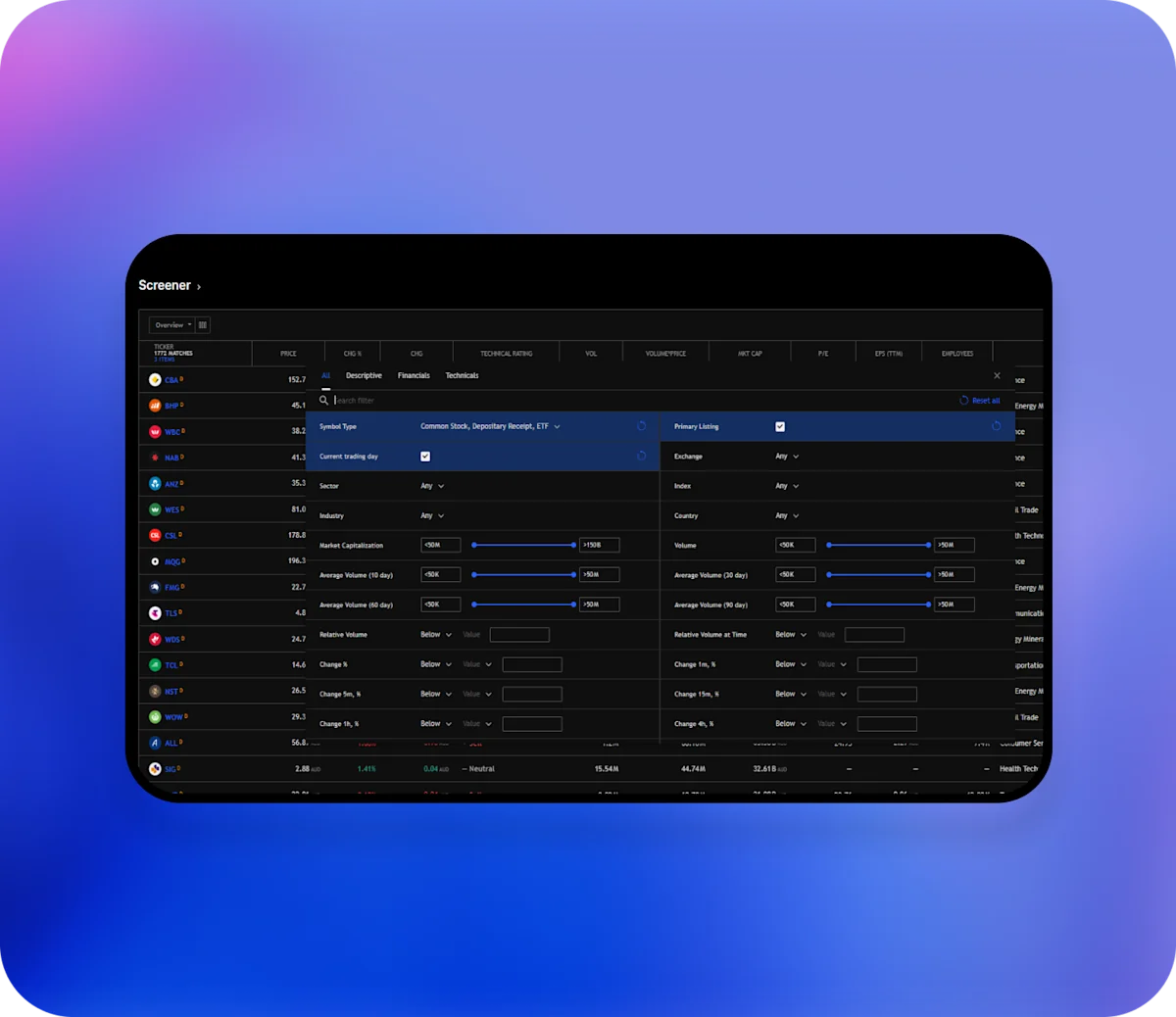
Discover Screener powered by TradingView
Find new opportunities faster with Screener from TradingView.
Analyse thousands of Australian and global stocks with technical ratings and smart filters in one place. Filter by price, sector, volume, and more to uncover your next investing idea.
To access Screener, scroll down your web platform dashboard and select the ‘Screener’ button next to Stock heatmap.
Your virtual portfolio
Test and track before you trade with the new Virtual Portfolio tool.
Now available on the new web platform in your My Watchlists widget on the dashboard, it lets you simulate your investments with ease. Tap ‘Virtual Portfolio’, click the pencil icon to edit values, and see your totals update in real time.