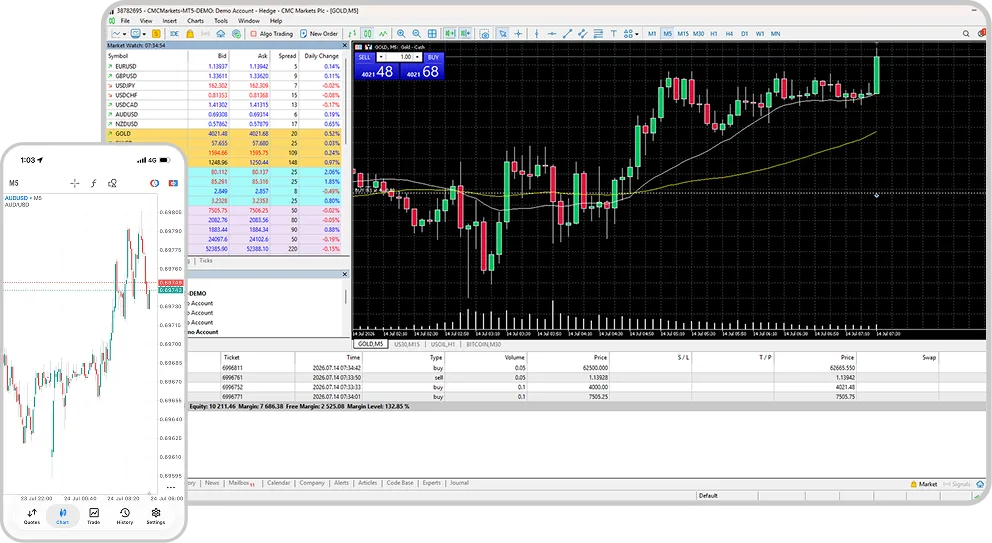
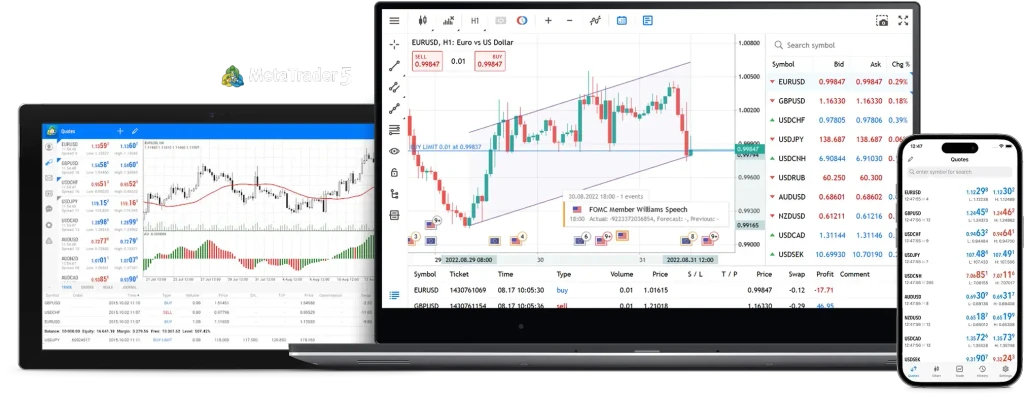
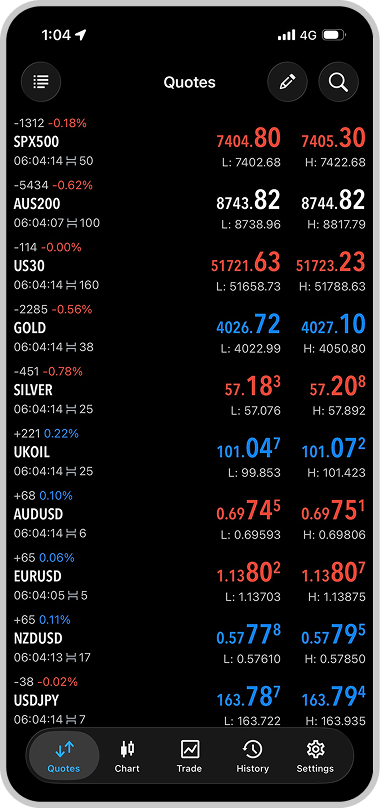
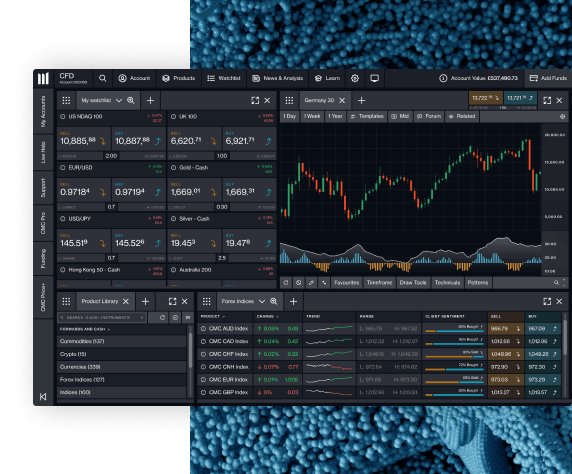
You can fund your MT5 account through the CMC Markets Platform, also known as the Client Admin Portal on your PC or Mac.
To access funding, log in to the Client Admin Portal using your CMC Markets account details, not your MT5 platform login details. The funding portal may also support two-factor authentication, or 2FA, for enabled accounts.
Once you’re logged in to the Client Admin Portal, select the funding or payments section and choose an available payment method, such as debit card, credit card, PayID, bank transfer or PayPal.
You can also create a quick link to the funding portal on your mobile device for easy access:
iOS Safari users: once the page has loaded, tap the share button at the bottom of the screen and select “Add to Home Screen”.
Android Chrome users: once the page has loaded, tap the menu icon in the top right of the browser and select “Add to Home Screen”.