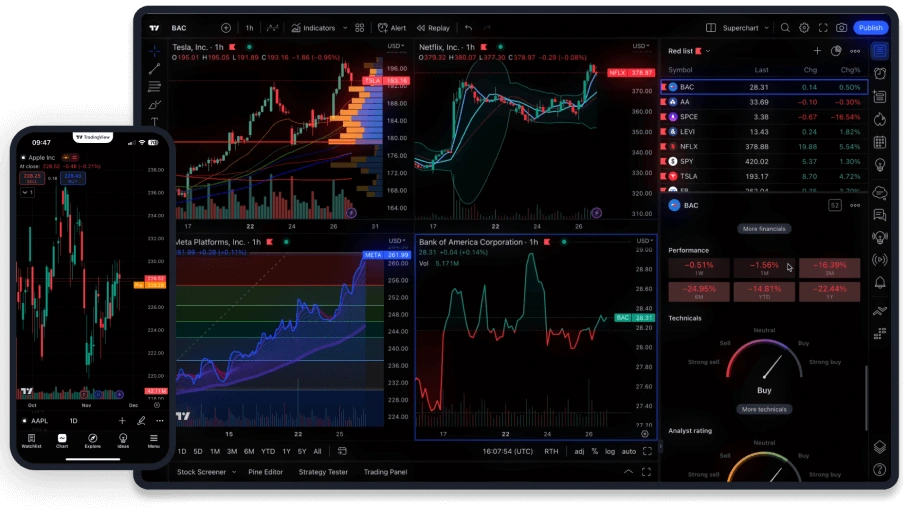
Find the right platform for your trading style
Different platforms suit different ways of trading.
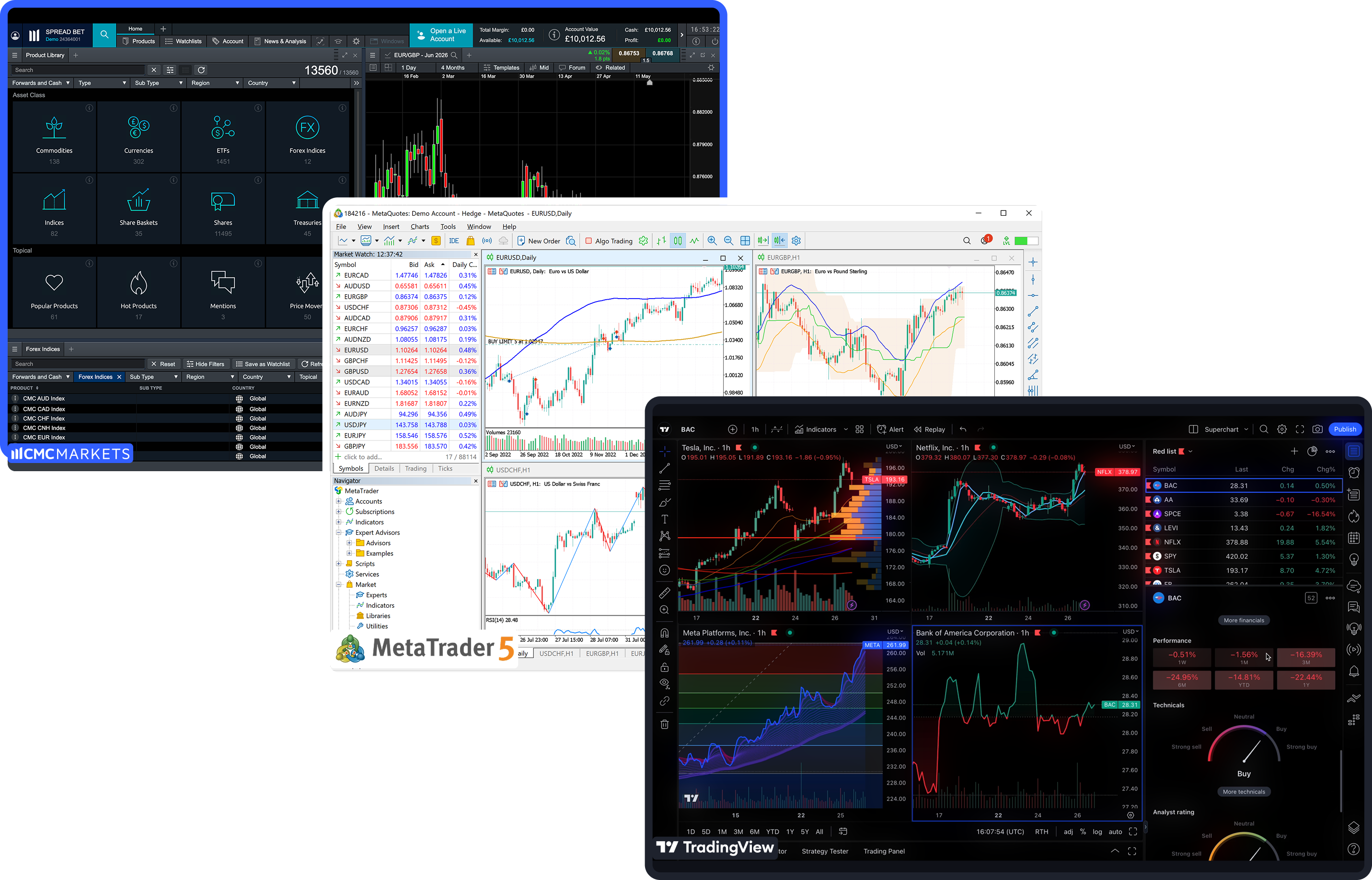
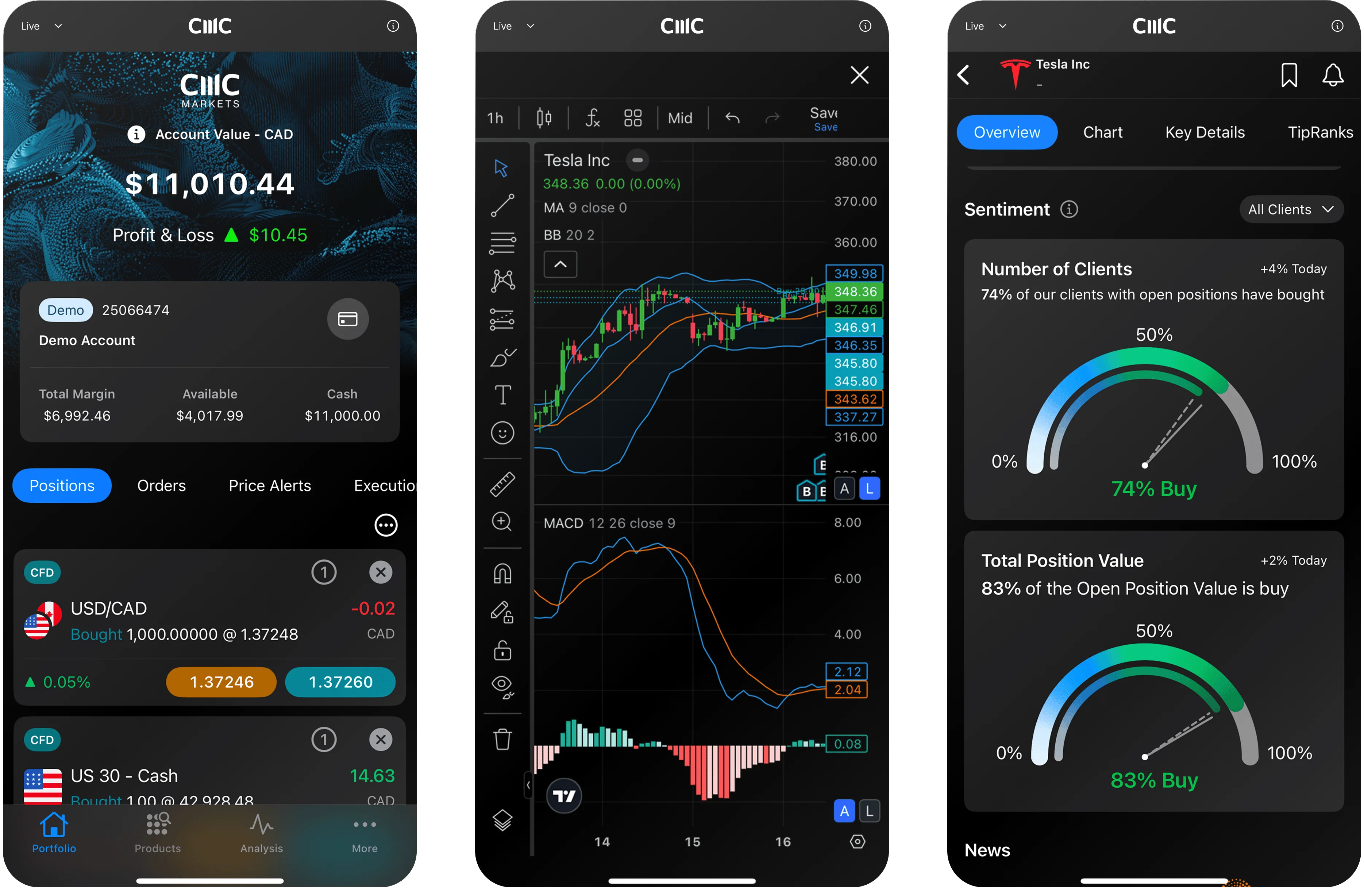
You might prefer a web platform with advanced charting, a mobile-first experience, or a familiar third-party environment such as MetaTrader or TradingView.
When you compare platform options, consider how often you trade, which markets you focus on, and whether you want to work mainly from your desktop, from a web browser, or on a mobile device. The overview and comparison below can help you see which CMC Markets platform is likely to align most closely with the way you already trade.
Compare platform features
Platform | Best for | How you access it | Typical next step | |
|---|---|---|---|---|
| CMC Markets Platform | Most CFD traders who want a full web-based platform | Web browser | Open a standard or FX Active demo account to explore the CMC Markets Platform | |
| TradingView | Traders who prefer TradingView's charting environment | TradingView (connected CMC Markets account) | Connect your CMC Markets account in TradingView and practise on a demo first | |
| Mobile trading app | Traders who monitor markets and manage positions on the go | iOS and Android app | Download the app and log in with your CMC Markets credentials | |
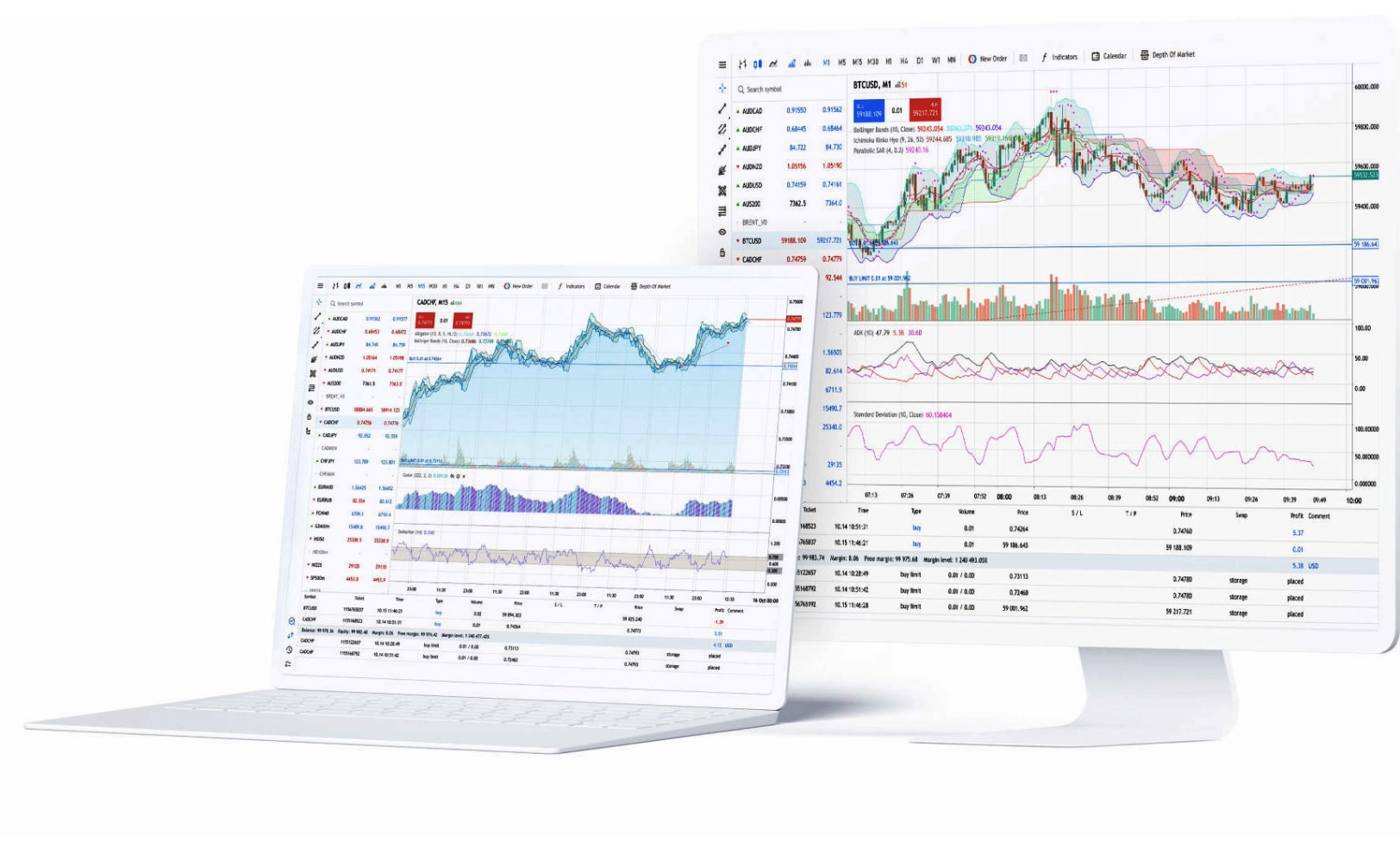
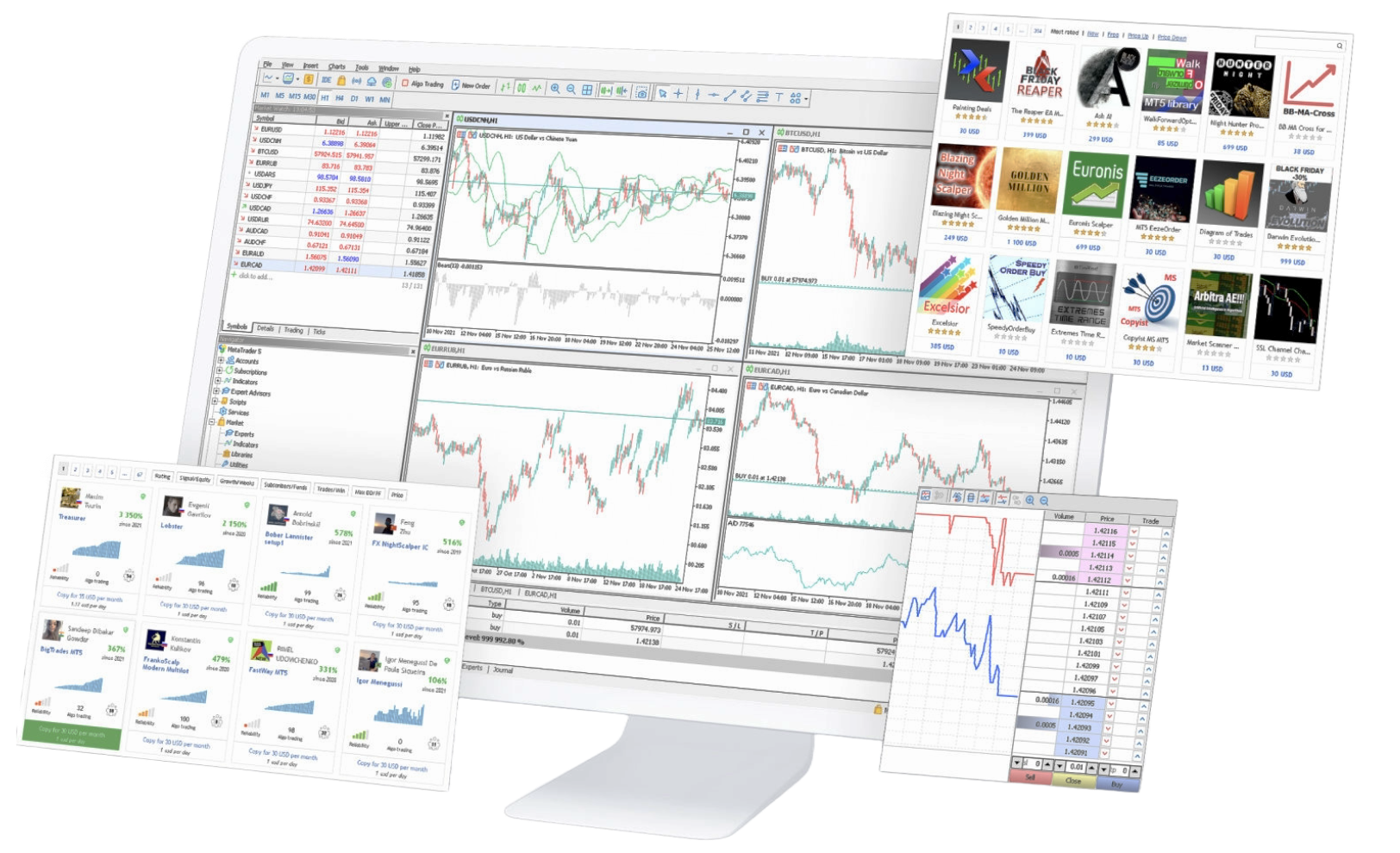
| MetaTrader 4 | Forex traders and users of Expert Advisors | Download (PC/Mac) | Open an MT4 account and download the platform | |
| MetaTrader 5 | Traders wanting broader multi-asset access | Download (PC/Mac) | Open an MT5 account and download the platform |
Loading...