Trade on forex from 0.0 pips with FX Active
FX Active is available on Our 'Next Generation' platform, MetaTrader 4 and MetaTrader 5.


Pips FX minimum spread⁴
Maximum retail leverage
Micro lot trading*
Financial instruments⁵
Dedicated customer support
*Trade one-hundredth the size of a standard lot

The FX Active advantage
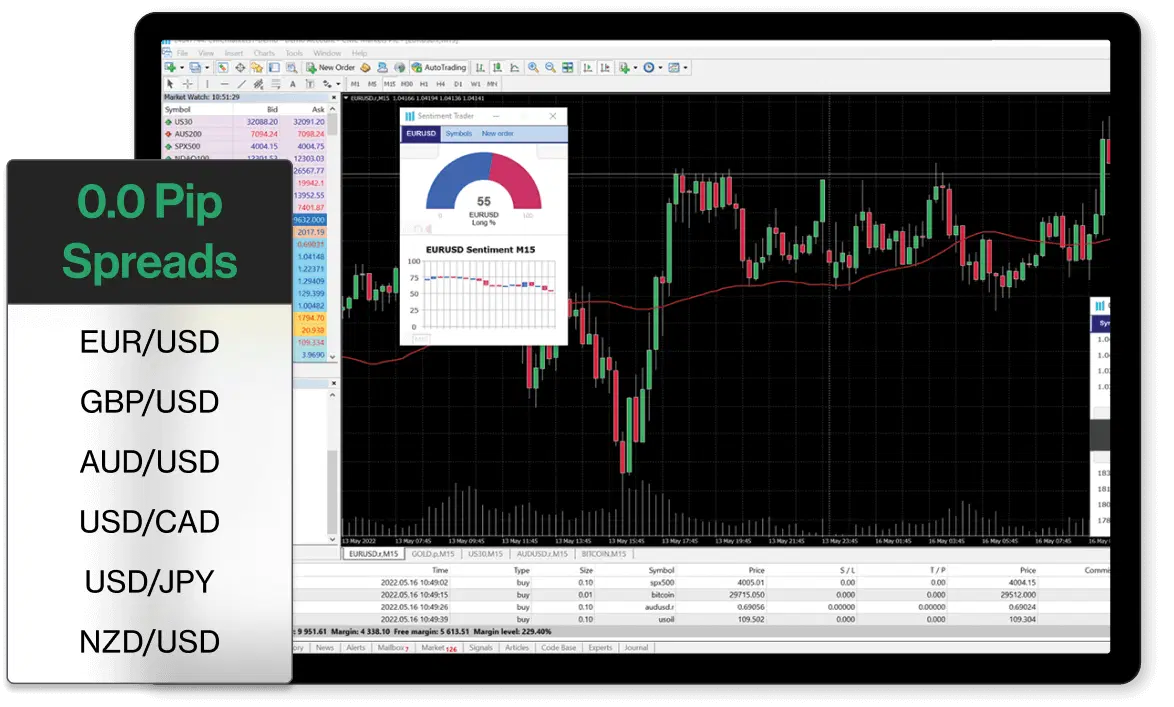
Trade on EUR/USD, GBP/USD, AUD/USD, NZD/USD, USD/CAD, and USD/JPY, with spreads from 0.0 pips, plus enjoy a 25% spread discount on all our other forex pairs.
FX Active is available on our 'Next Generation' platform, MetaTrader 4 and MetaTrader 5. With an FX Active account, you can also trade on all the instruments available with a standard CFD account on all platforms³.A minimum spread is the lowest spread that will be shown on the given product. Minimum spread will vary subject to after-hours trading. If the underlying market spread widens throughout the trading day, or you are trading out of hours, the platform spread may also widen. The spreads shown are for the first price available for the average market trade/bet sizes in the relevant product. The spread will widen for larger trade/bet sizes, see our platform for more information.
A minimum spread is the lowest spread that will be shown on the given product. Minimum spread will vary subject to after-hours trading. If the underlying market spread widens throughout the trading day, or you are trading out of hours, the platform spread may also widen. The spreads shown are for the first price available for the average market trade/bet sizes in the relevant product. The spread will widen for larger trade/bet sizes, see our platform for more information.
What you will get as an FX Active trader?
See bid and ask prices, premiums, and more up front, helping you to understand your costs before you place a trade.
We combine multiple feeds from tier-one banks, to get you the most accurate bid/ask price.
Factor in your cost per trade, with fixed low commission at just $2.50 per $100,000 notional value.
With a combination of feeds from tier-one banks, you'll always receive our most accurate price.
Deposit and withdraw funds easily to and from your FX Active account, and whenever you want, at no cost.
Explore other platforms
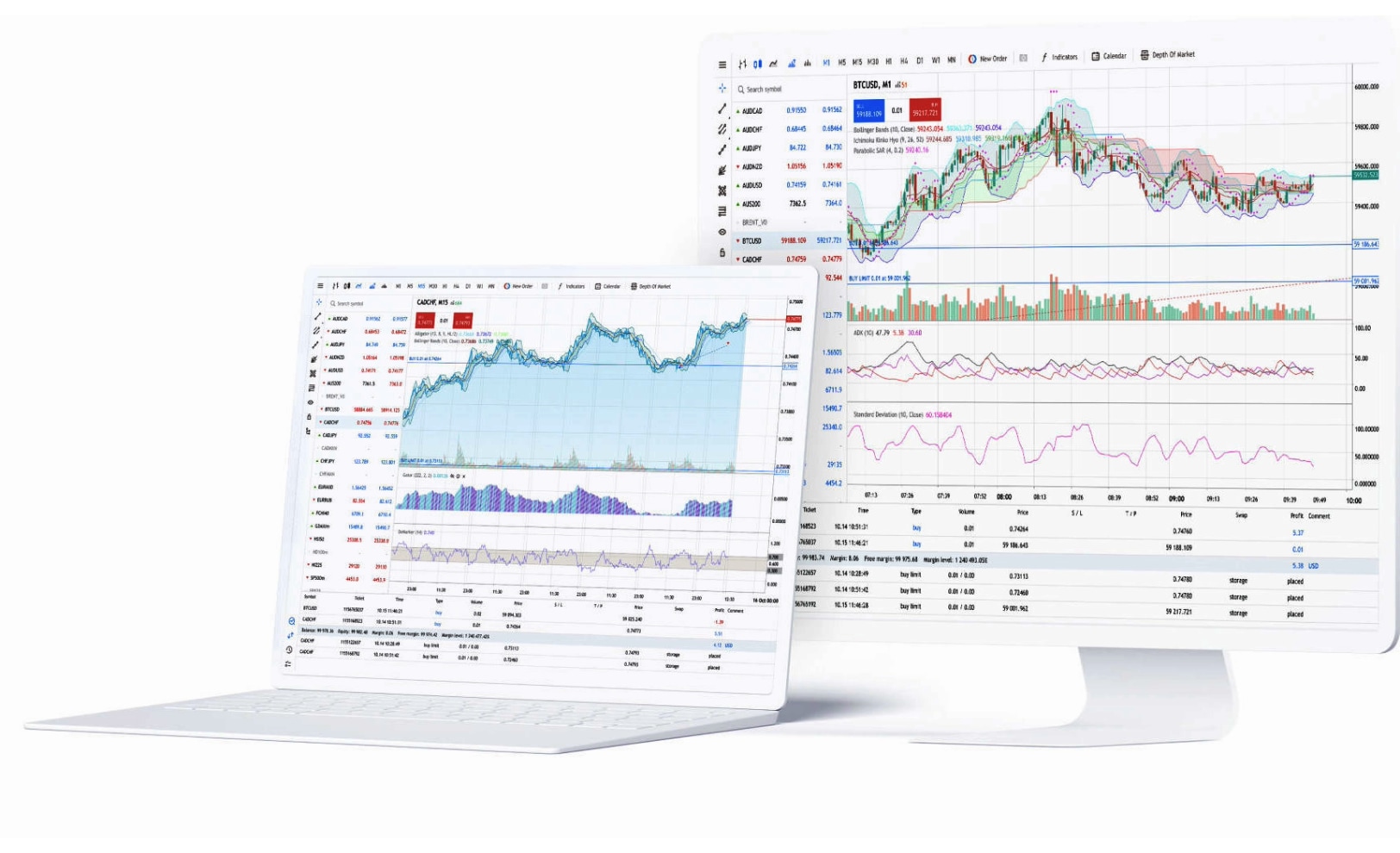
MetaTrader 4
Trade on the world's most popular trading platform, with tight spreads and ultra-fast execution.
Trade on forex, indices, commodities and cryptocurrencies
- Spreads start from 0.0 pips with our FX Active account²
Fast, one-click trading
- Lightning-fast execution ⁵
Customisable charts with pre-installed indicators
Automated trading with Expert Advisors
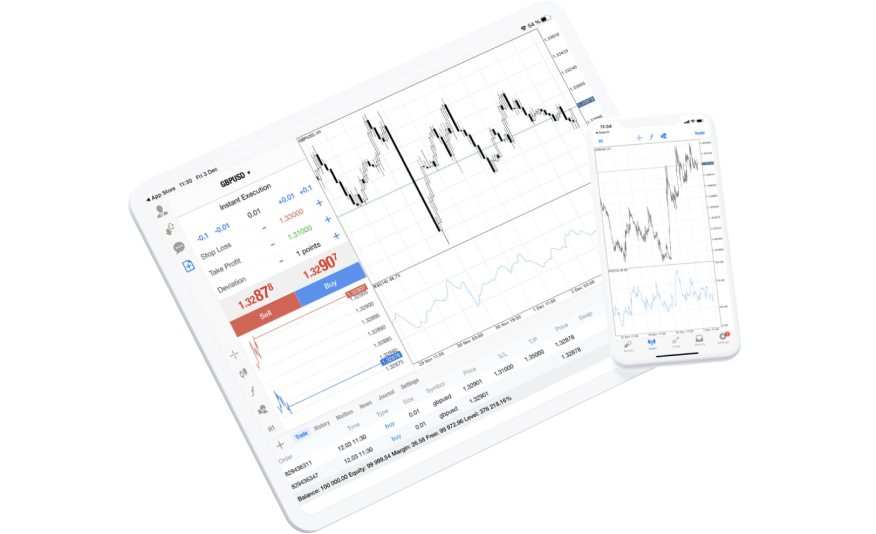
Mobile

Desktop
Download MetaTrader 4 for PC or MAC and trade on the world's most popular trading platform.
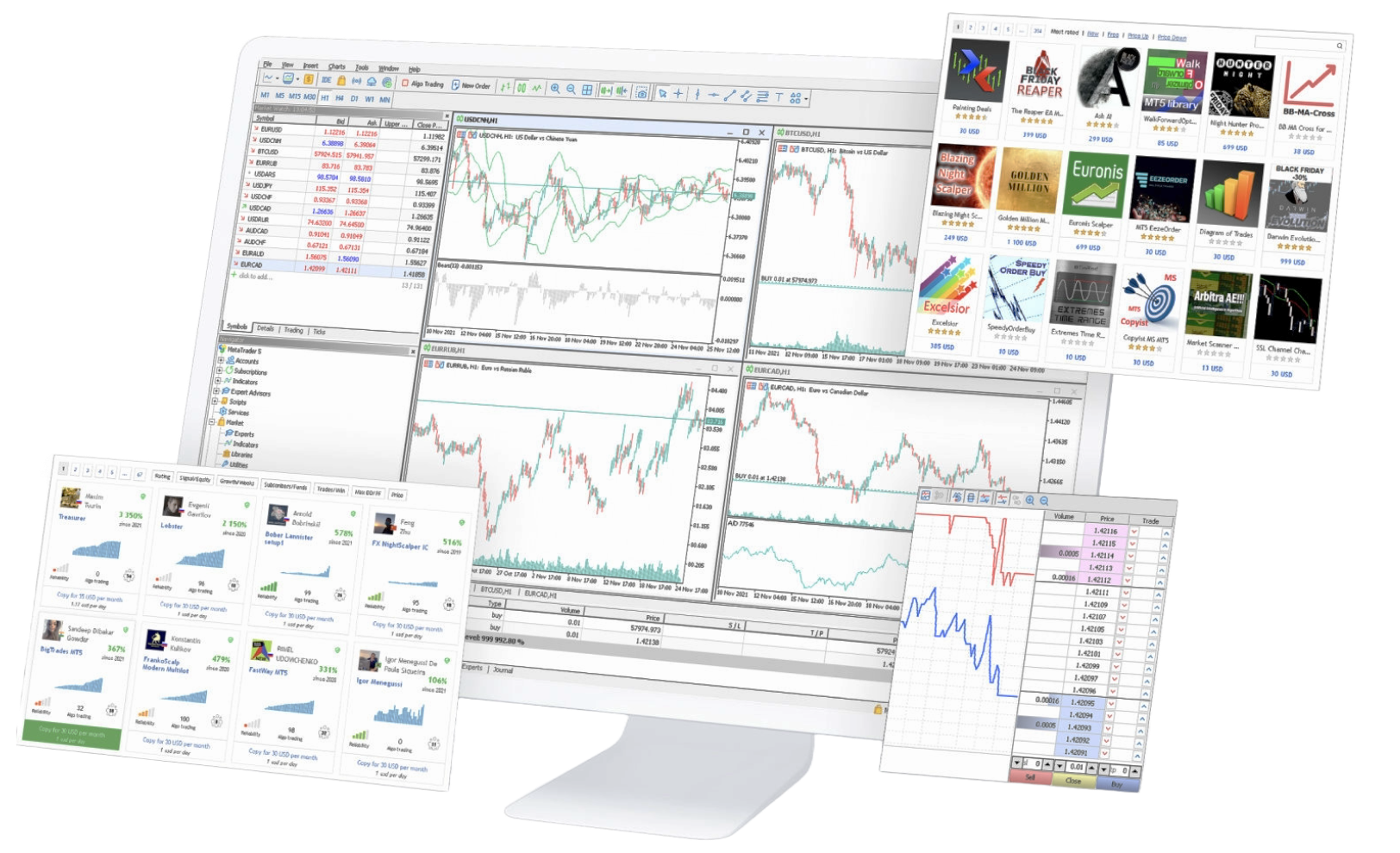
MetaTrader 5
A powerful trading platform designed to provide access to global markets, with advanced trading features and real-time data.
Trade on forex, indices, commodities, shares and cryptos
- Spreads from 0.0 pips with our FX Active account²
One-click trading
- Ultra-fast execution⁵
More order types, timeframes, and pre-installed indicators than on MT4
Depth of market display and inbuilt economic calendar
Experts Advisors with faster strategy tester
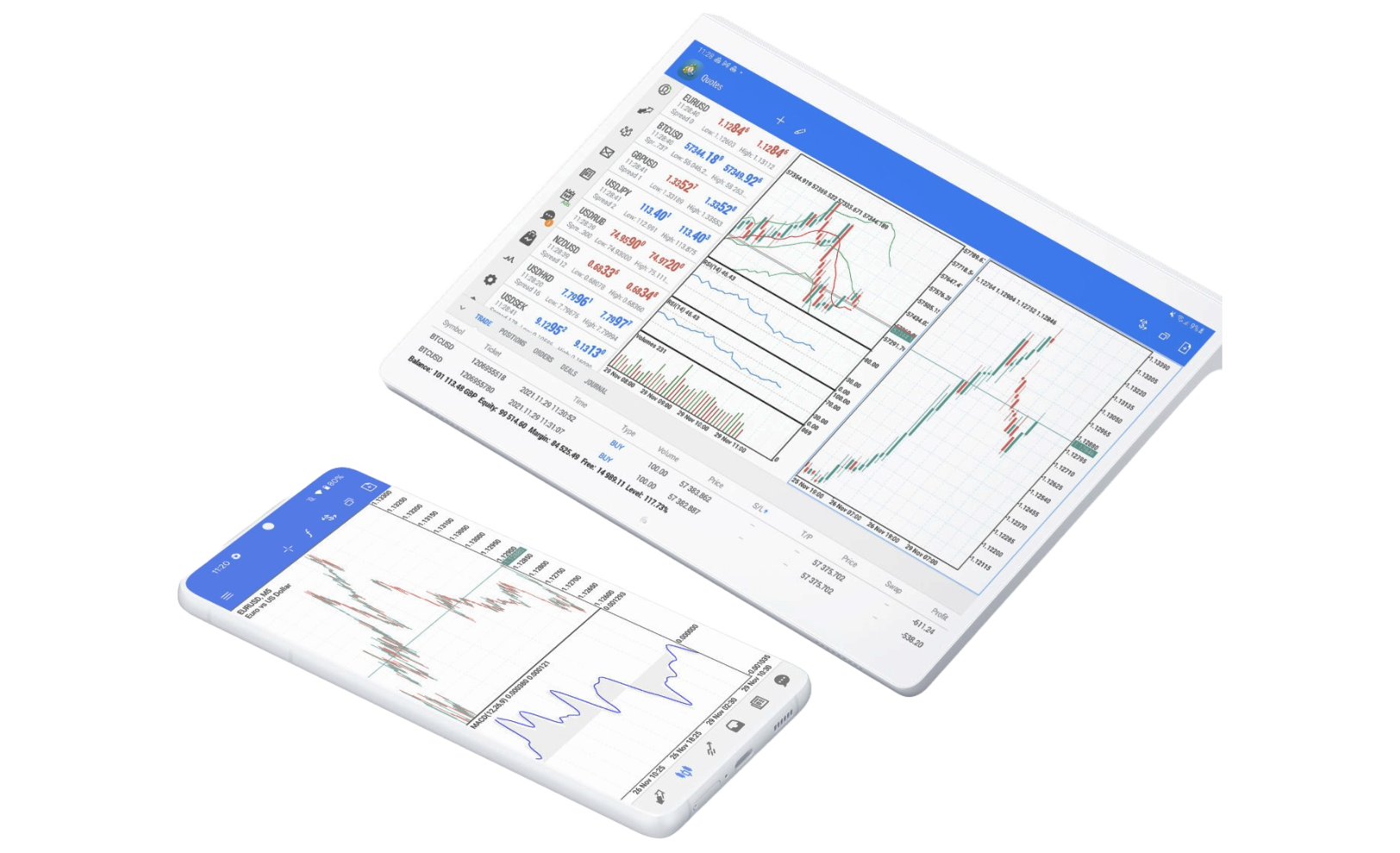
Mobile

Desktop
Download MetaTrader 5 for PC or MAC to experience its advanced trading tools and features from an industry’s leading provider.
TradingView
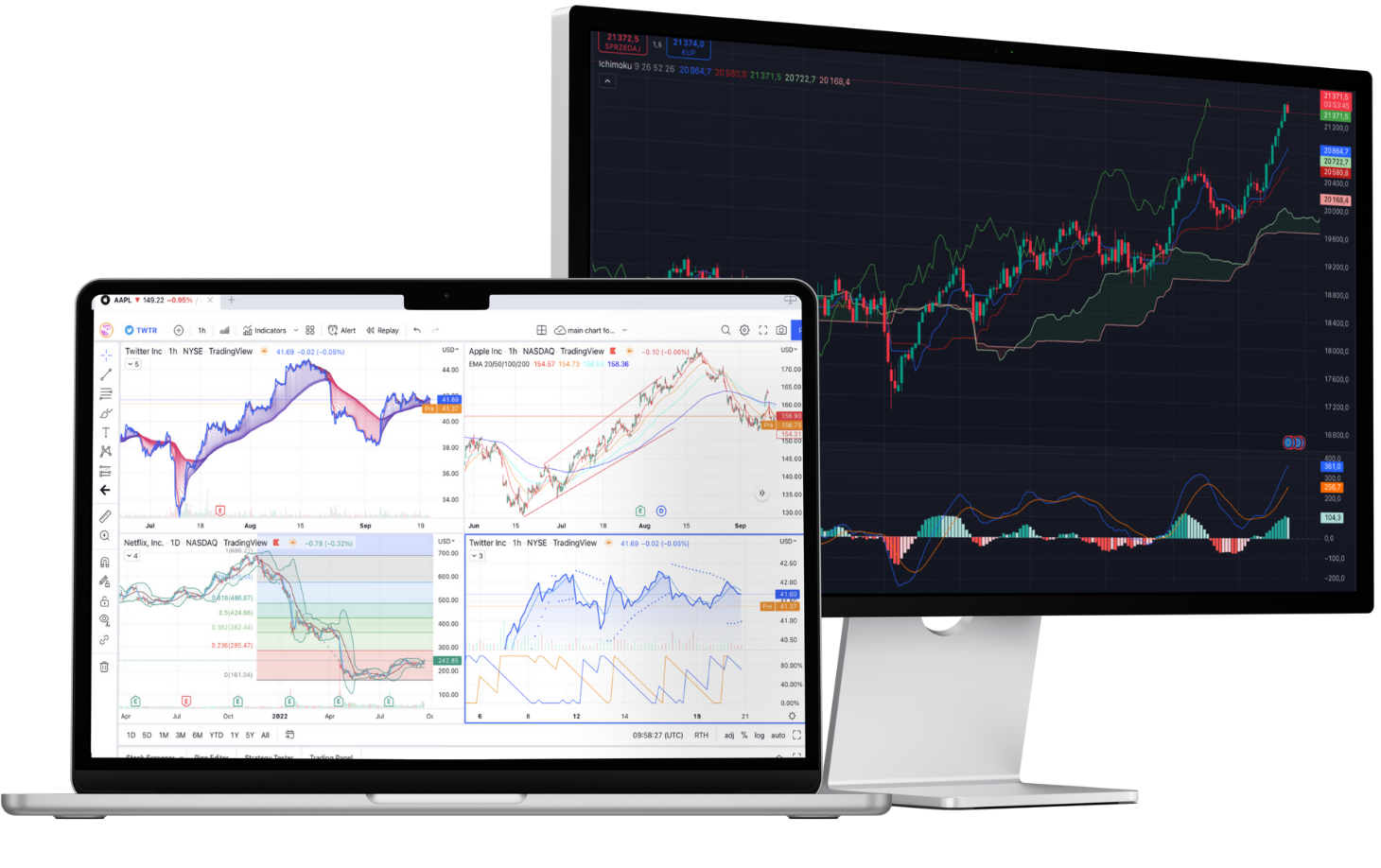
Enjoy the best of both worlds: view and analyse charts on TradingView; trade with our tight spreads and fast execution.
Enhance your trading experience with TradingView’s renowned charts and indicators.
Get inspiration and ideas from one of the world’s largest online trading communities.
Prepare for key announcements with TradingView's easy-to-use financial calendar.
Set up personalised alerts using 13 built-in conditions based on price and volume.
Open, manage and close your trades with us in TradingView.
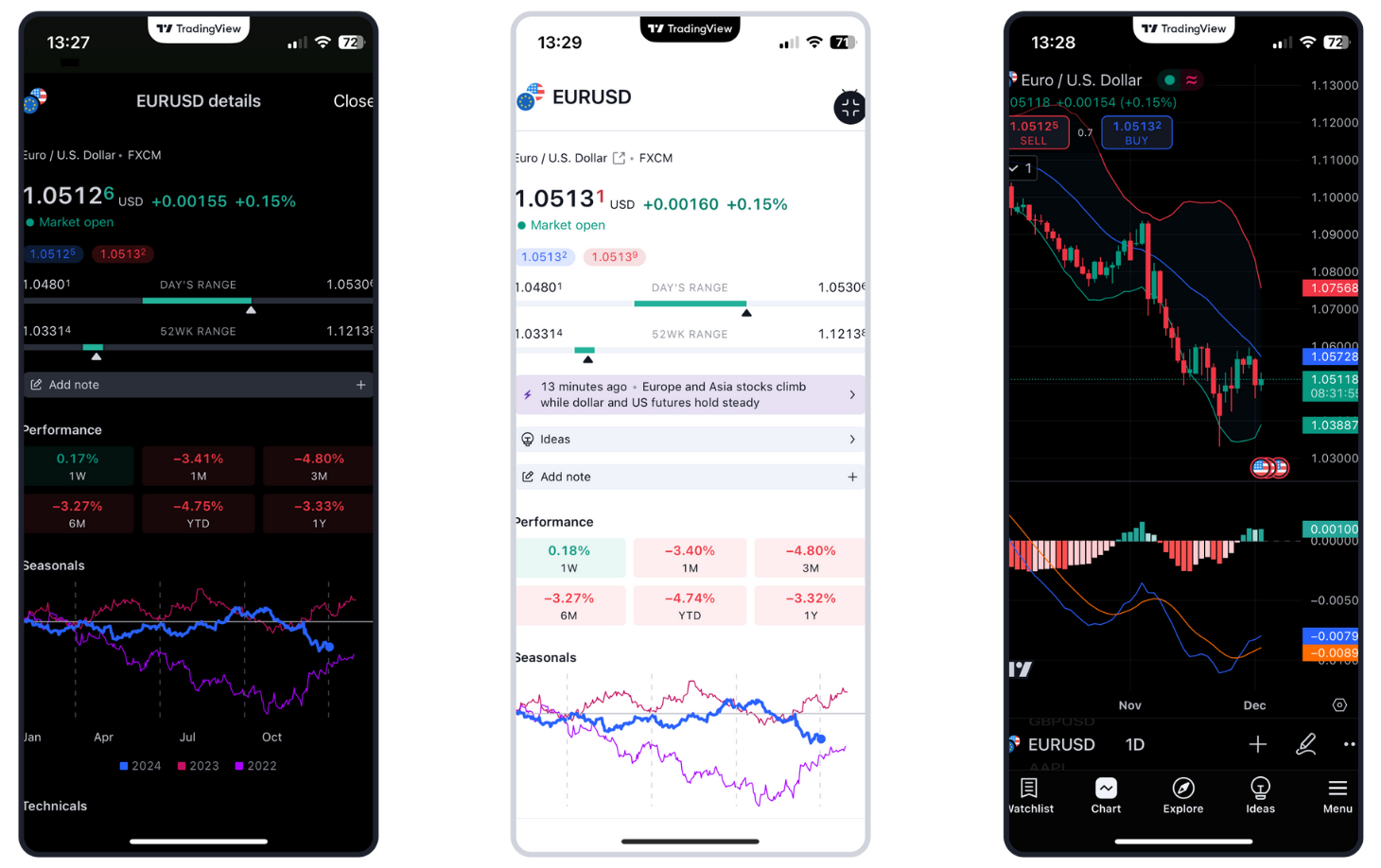
Mobile app
TradingView's mobile apps are available on the App Store and Google Play Store. Ensure that your device is up to date and your operating system is supported.
Google PlayApp StoreCMC Web platform
Integrated TradingView charts
Advanced order execution
Optimised mobile platform
TipRanks analysis
Client sentiment tracker
Pattern recognition scanner
Morningstar equity research and Reuters news

Mobile
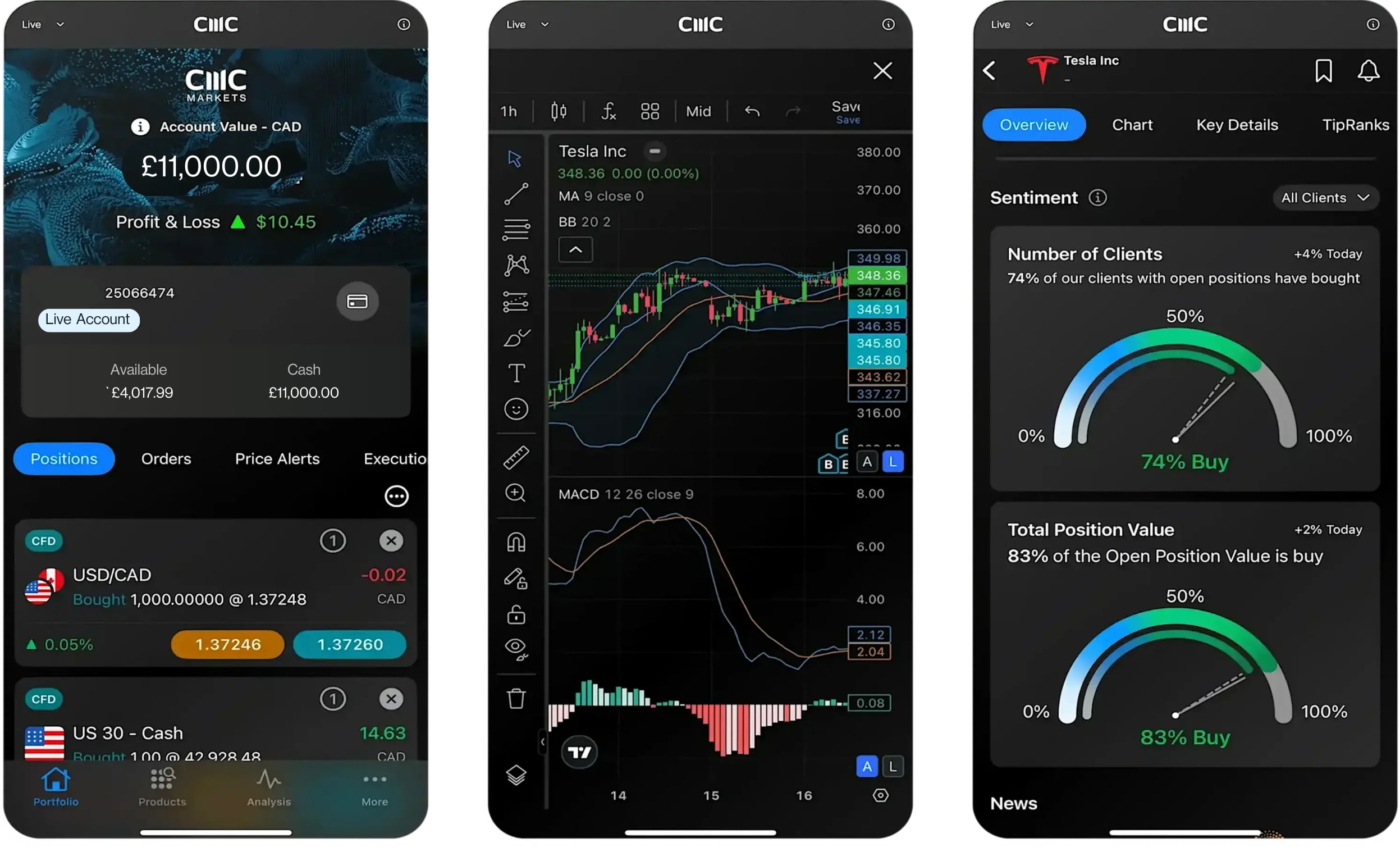
Packed with powerful features, yet intuitive, and available to all traders. Whatever the next step in your trading journey, our mobile platform can help you get there.

Desktop
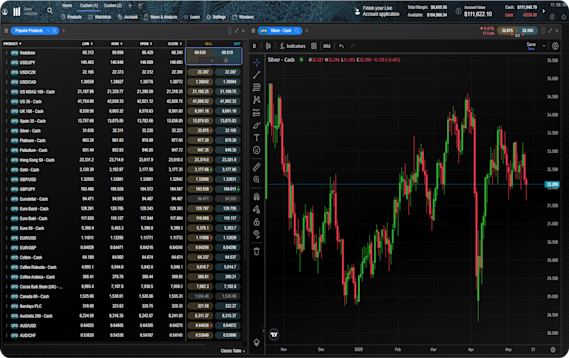
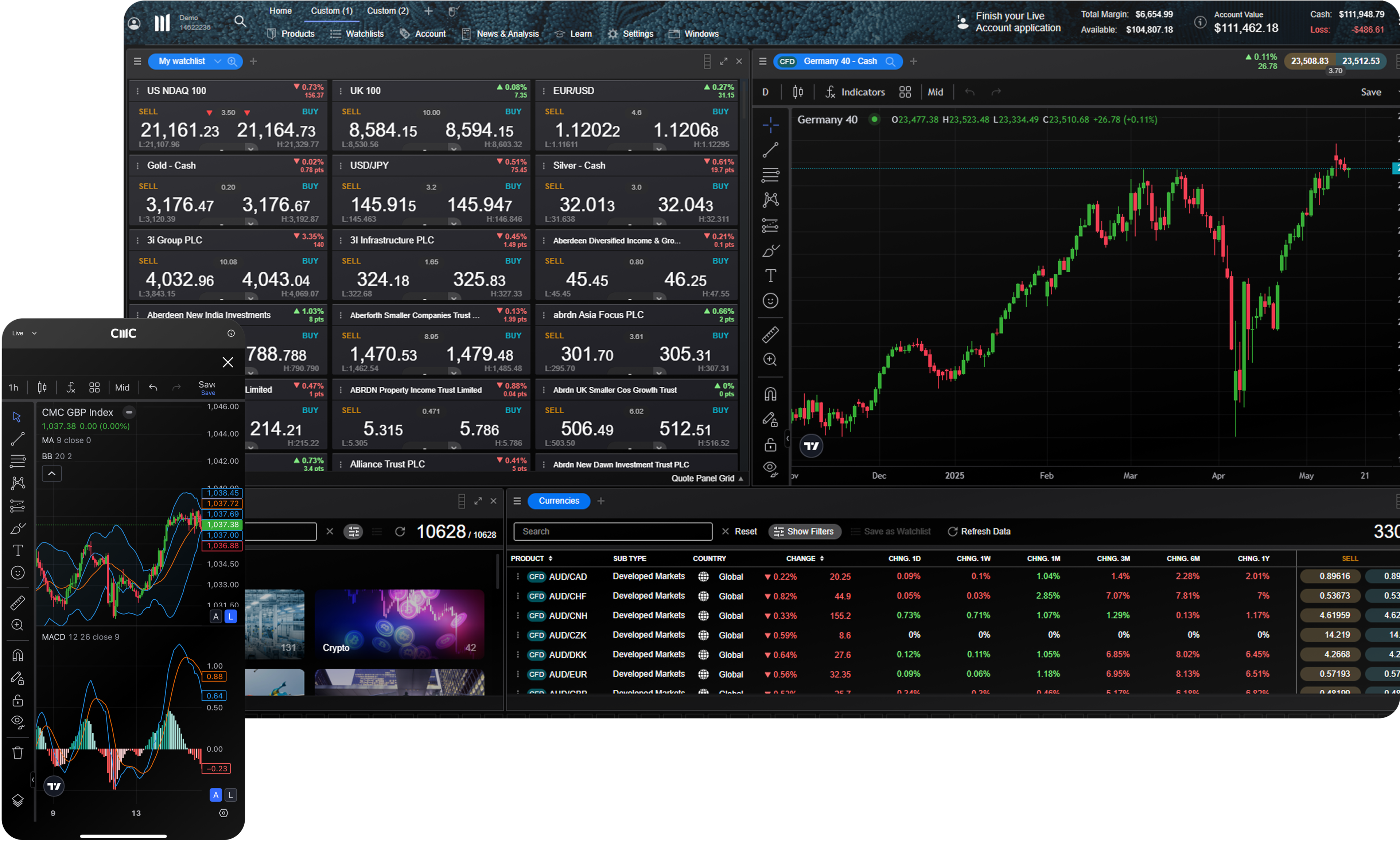
We've built our web trading platform to be powerful and intuitive. It combines leading-edge features and security, fast execution, and best-in-class insight and analysis. Designed to support any strategy.
How to sign up


FAQs
With an FX Active account, you can trade on all the markets and instruments available on our standard CFD platform.
So, on our own platform, you can trade on FX, indices, commodities, shares, ETFs, share baskets, forex indices, commodity indices, plus rates and bonds.
On MT5 you can trade on forex, indices, commodities, shares and cryptos
On MT4, you can trade on FX, indices and commodities.
Note that only six major FX pairs have spreads from 0.0 pips.
FX Active has fully transparent commissions across all forex pairs at 0.0025% per transaction, as well as minimum spreads from 0.0 pips on six major FX pairs, and a 25% spread reduction compared with our standard CFD account on all the other currency pairs we offer.
Commission is charged at a fixed rate of 0.0025% per transaction. This works out as $2.50 per $100,000 worth of currency trade. At this notional volume, it would cost $5 to open and close a trade. MT4 commissions are charged upfront for opening and closing trades.
Yes, there is an FX Active demo account.
An FX Active demo account allows you to experience the platform's wide range of innovative features and tools in a risk-free environment. You can practise trading on your favourite instruments and try out trading strategies and techniques with $10,000 of virtual currency.
Our platform demo account stays open once created. MetaTrader platform demo accounts remain active provided that you log in to the platform at least once every 30 days. If you don't log in within that timeframe, your demo account will automatically be closed. You can set up a new account again at any time in the future.
CMC Markets has 15 global offices, including in the UK, Australia, Germany, Canada, New Zealand, Singapore and Bermuda. CMC Markets' entities are licensed and regulated by the local authorities, for example, CMC Markets Bermuda is licensed to conduct investment business and digital asset business by the Bermuda Monetary Authority (‘BMA’).
As a CMC Markets' client, your money is held separately from CMC Markets' own funds. It is held in segregated client bank accounts distributed across a range of major banks, which are regularly assessed against our risk criteria. Under the BMA rules, retail clients must be provided with negative balance protection. This means that your maximum loss is the amount you have deposited with us.
If you're trading on MT4 or MT5, select the instrument you wish to trade ('double-click' on your PC), and a new order window will appear. Enter your desired volume (in lots), add any risk-management orders such as a stop-loss or take-profit order. Then place a market order in the direction you wish to trade; buy to go long, or sell to go short. There are several ways to place trades or orders using MT4 or MT5 – you can learn more about MT4 or MT5 functionality by navigating to Help > Help topics or Help > Video guides.
If you’re trading on our Next Generation platform, search for your desired instrument from the 'Product Library'. Select your chosen instrument ('right-click' on your PC), and select ‘Order Ticket’. In the order ticket box, choose your order type (from Market, Limit, and Stop-Entry Order), and then enter your desired volume in units or amount (this can be configured from the ‘Settings’ menu in the main navigation). Add stop-loss and take-profit levels to minimise your risk, and choose to ‘BUY’ or ‘SELL’, depending on whether you want to go long or short. When you’re ready, select ‘Place Buy Market Order’, or ‘Place Sell Market Order’.
For retail clients, the maximum leverage you can currently trade with is 200:1 (or 0.5% margin) with our CFD trading and FX Active accounts.
TradingView is a trading research platform where you can view charts, analyse trends and interact with an online community. You can connect your TradingView account to your CMC Markets account, enabling you to open, manage and close trades within TradingView. Learn more about TradingView here.
MetaQuotes' MetaTrader 4 and MetaTrader 5 are globally popular forex and CFD trading platforms. TradingView is a trading and charting platform which you can link to your broker account to place trades. Our proprietary web-based platform is feature-rich and enables access to trade CFDs on 12,000 instruments.
With each platform you can choose from our CFD trading or FX Active accounts. Our FX Active account offers spreads from 0.0 pips on six major FX pairs, with a 25% spread discount on all other pairs. There is a fixed, low commission at $2.50 per $100,000 notional value traded.
Our trading platform doesn’t require any downloads, while MT4 and MT5 requires downloading to fully utilise its features, such as algorithmic trading (through Expert Advisors) and social trading available via the MQL4 and MQL5 communities.
The MetaTrader platforms offer hedging positions by default, while CMC’s trading platform offers netted positions by default.
Yes, you can open an opposite, related, or alternative trade, with no interruption for traders using Expert Advisors.
Log in to your MT4 or MT5 client portal or our trading platform and follow the instructions in the funding section.
You can reset your password by selecting 'Forgot password?' on the login page. We'll then send instructions for changing your password to the email address you use to log in to your account.
Our aim is to provide a high level of service to all our clients, all of the time. We value all feedback and use it to enhance our products and services. We appreciate that from time to time things can go wrong, or there can be misunderstandings. We are committed to dealing with queries and complaints positively and sympathetically. Where we are at fault, we aim to put things right at the earliest opportunity. You can find our complaint handling procedure here or contact us at global@cmcmarkets.com to begin your account query. Please note that all queries and complaints will be handled in English.


Ready to get started?
If you already have an account, log in to your chosen platform.
Don't have one yet? Open an account now.
Do you have any questions?
Email us at4 No.1 Most Currency Pairs, ForexBrokers.com Awards 2023.