Charting features


Scan the QR code to download the app.

Pips FX minimum spread¹
Maximum retail leverage
Micro lot trading*
Financial instruments
Dedicated customer support
*Trade one-hundredth the size of a standard lot
Technical analysis
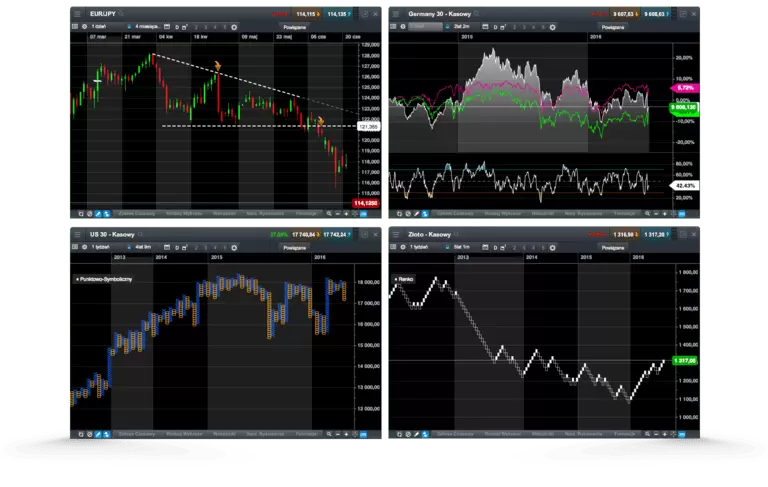
Our fully-integrated technical analysis suite has been developed in-house and incorporated into our charting package, to deliver all the tools you need to analyse the financial markets.

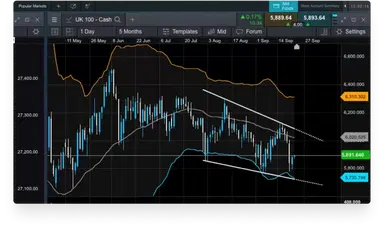
All our charts include a range of drawing tools that can be used to draw support and resistance levels, make notes on charts, and highlight key price moves and patterns.
Analyse price performance over the short- and long-term, with our charts for our major instruments covering up to 20 years' price history.
You can quickly switch between chart intervals, which range from one second through to one month.
Our layouts, charts and technical indicators are all customisable, offering you the ability to set up charts and technical analysis to suit your own style.
Identify correlated instruments by dragging and dropping one or more instrument on to another open chart to compare their price action and performance over the same timeframe.
Once you've customised a chart, save the setup as default, so that each time you load a new chart the same preferences are applied to it. You can save up to five charts per instrument.
Open trades directly from charts as opportunities emerge – just select a live streaming price to open an order ticket and place a trade. You can also modify or close any pending orders.
Volume on charting
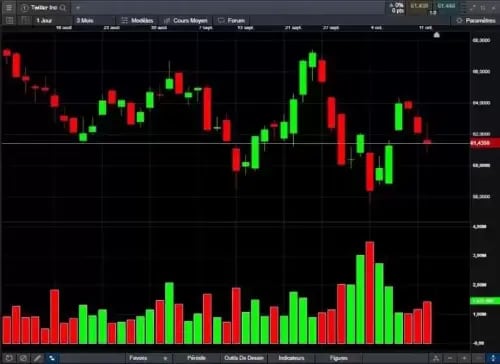
Identify price momentum and confirm the existence or continuation of a trend by examining the volume-traded levels in parallel with price movements in real time. You can also look back at historical volume levels to identify historical trends and patterns. View our FAQs at the bottom of the page for more details.
Price projection
Available on every chart when logged in to your live account, our pattern recognition tool allows you to search for common technical chart and candle patterns, providing a price projection.
Pattern recognition
Let our pattern recognition tool scan for common technical patterns, such as head and shoulders, triangles and wedges, on any open chart across various time intervals, and view the price projection target area on the chart.
ADVFN International Financial Awards
ADVFN International Financial Awards
ForexBrokers.com Awards
Good Money Guide Awards
Module linking
This feature allows you to group charts together, so that when you change the instrument shown in one chart, all of the other charts in the group will automatically update to show the new instrument. This lets you examine the price action for the same instrument over multiple intervals and timeframes at the same time, so you can compare long-term analysis with short. Drawing tools, technical indicators, chart types, patterns and presets are all automatically applied to all charts in the group.
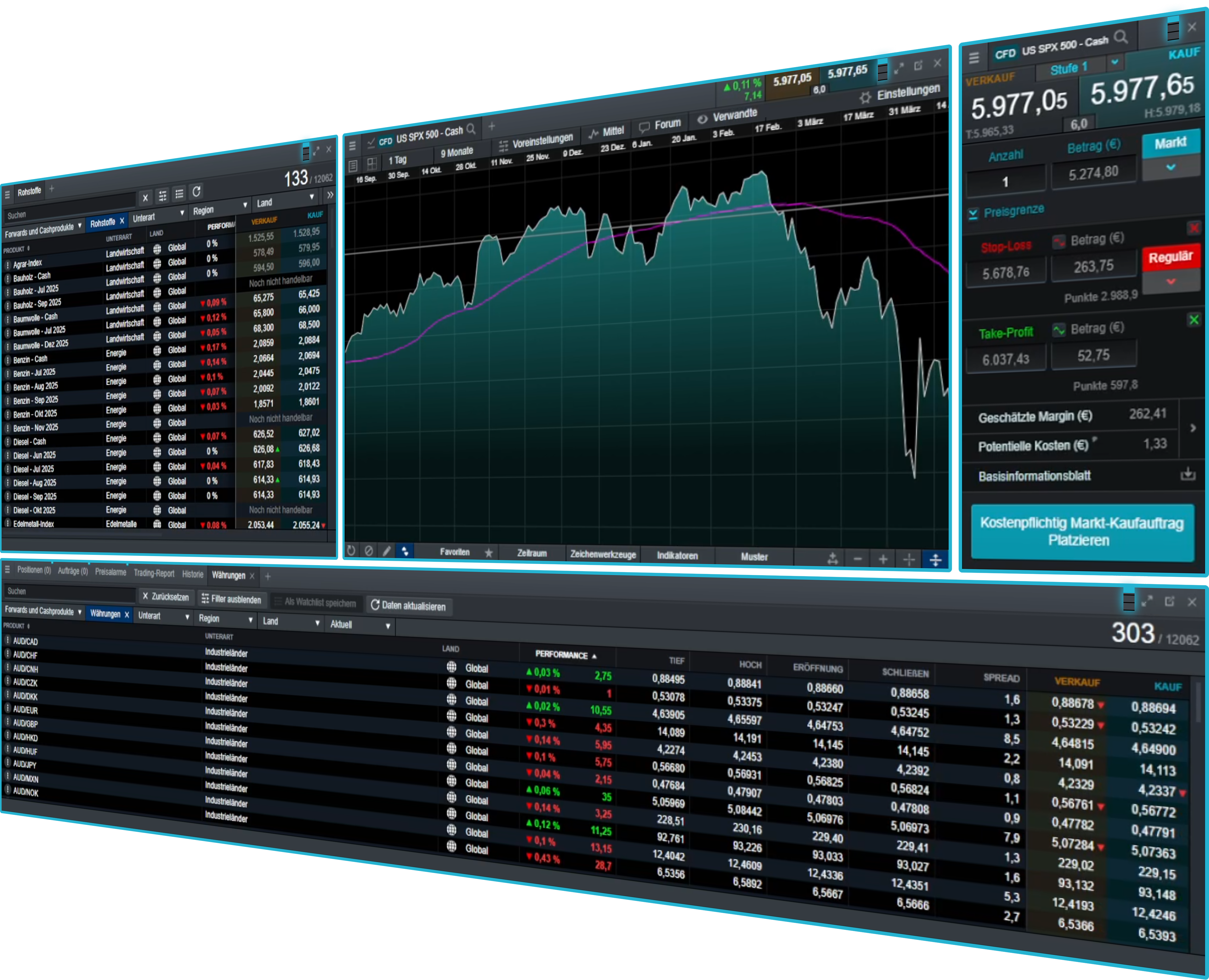
Chart forum community
The chart forum² lets you discuss and share chart analysis, trade set-ups and commentary from our analysts and other CMC Markets traders from within the charts.
Our global market analysts post insightful technical analysis and comments on popular instruments.
Instantly copy technical analysis from our analysts and other traders directly to your live charts for further research.
Comment on other traders' posts and use the directional arrows to indicate whether you think the market is going to go up or down.
Use the chart forum to take a snapshot of your analysis, so you can look back at your historical posts to see if your trading ideas went as expected.
Mobile charting
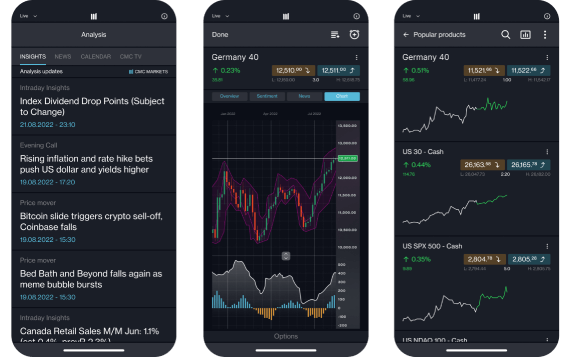
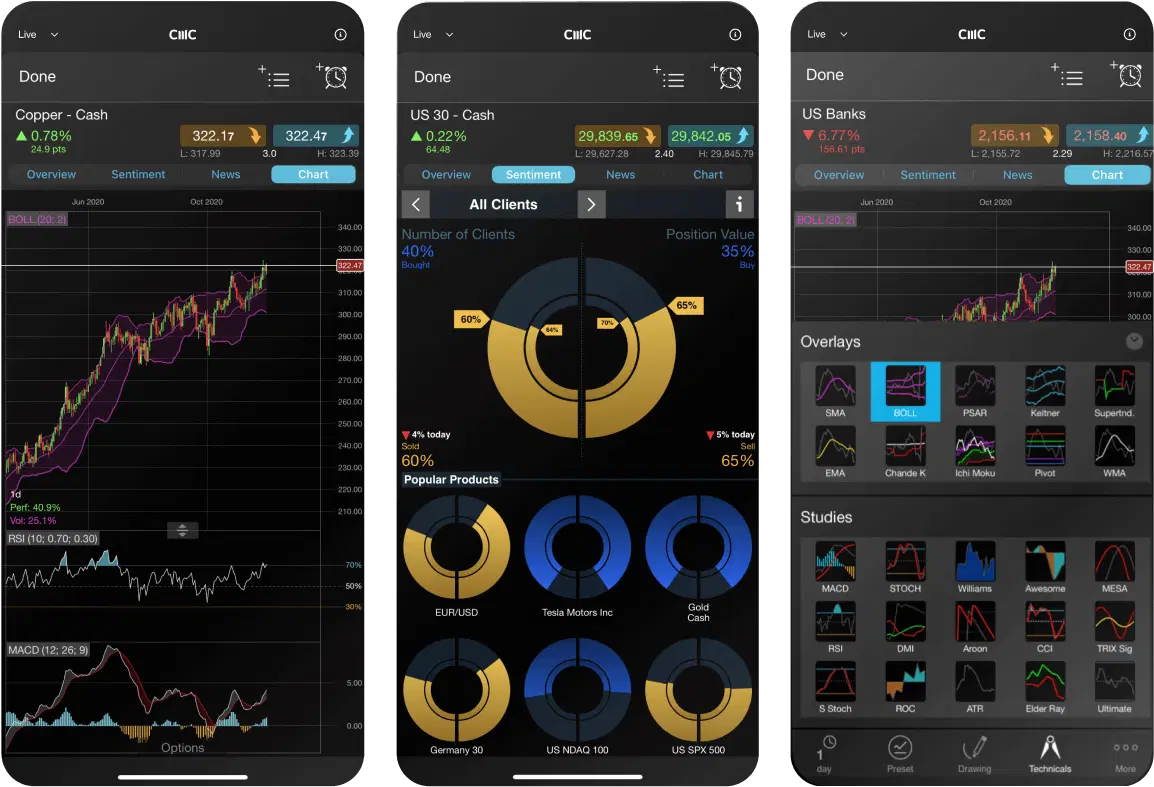
Our award-winning mobile app ³ includes five different chart types: line, bar, spread, heiken-ashi and candlestick charts.
The multi-chart view takes advantage of the larger screen size, allowing you to scan up to four charts at a time. Compare price action and identify significant market movements across multiple instruments.
Just tap any live streaming price to open an order ticket and place a trade, then edit open orders directly from charts.
Any analysis conducted on a chart opened through a watchlist is automatically saved when you close that chart, so you can easily access the analysis later.
FAQs
The most common charts for traders include line charts, bar charts and candlestick charts. A line chart is a very basic chart that is useful for showing simple trend movements. On the contrary, bar charts and candlestick charts display complex data that defines the opening price, closing price, highest price and lowest price in a specified period.
A technical indicator is a mathematical calculation used as part of technical analysis. Technical indicators analyse an asset's price history and volume statistics, to help traders predict future price movements.
Volume can help you identify the momentum of an instrument. The price movement and volume are often closely related – when the price increases, volume is likely to increase as well. Traders often watch price and volume movement in parallel to confirm the existence, or continuation of a trend.
Volume can also be used to identify when trading activity is declining, indicating when a trader might consider taking profit on their open positions.
Note that volume chart data refers to the trade volumes of the underlying asset, rather than CMC Markets' trade volumes.
Disclaimer: Volume chart information refers to the past. Any information relating to past performance of an investment is not a reliable indicator of future results. Volume charts are provided by CMC Markets for general information purposes. They are not intended to provide trading or investment advice and must not form the basis of your trading or investment decisions. CMC Markets will not be responsible for any loss incurred arising from any investments made based on volume charts.
We offer live volume data directly from the exchanges. However, in quiet periods for illiquid instruments, there might be limited or no volume updates for a short time.
The volume bar will be green if the underlying price is unchanged.
We collect volume data during the underlying exchange opening hours only (UK time):
UK and EU: 8am - 4.30pm
US: 2.30pm - 9pm
Currently, volume on charting is available when trading on indices and shares.
CMC Markets has 15 global offices, including in the UK, Australia, Germany, Canada, New Zealand, Singapore and Bermuda. CMC Markets' entities are licensed and regulated by the local authorities, for example, CMC Markets Bermuda is licensed to conduct investment business and digital asset business by the Bermuda Monetary Authority (‘BMA’).
As a CMC Markets' client, your money is held separately from CMC Markets' own funds. It is held in segregated client bank accounts distributed across a range of major banks, which are regularly assessed against our risk criteria. Under the BMA rules, retail clients must be provided with negative balance protection. This means that your maximum loss is the amount you have deposited with us.
If you're trading on MT4 or MT5, select the instrument you wish to trade ('double-click' on your PC), and a new order window will appear. Enter your desired volume (in lots), add any risk-management orders such as a stop-loss or take-profit order. Then place a market order in the direction you wish to trade; buy to go long, or sell to go short. There are several ways to place trades or orders using MT4 or MT5 – you can learn more about MT4 or MT5 functionality by navigating to Help > Help topics or Help > Video guides.
If you’re trading on our Next Generation platform, search for your desired instrument from the 'Product Library'. Select your chosen instrument ('right-click' on your PC), and select ‘Order Ticket’. In the order ticket box, choose your order type (from Market, Limit, and Stop-Entry Order), and then enter your desired volume in units or amount (this can be configured from the ‘Settings’ menu in the main navigation). Add stop-loss and take-profit levels to minimise your risk, and choose to ‘BUY’ or ‘SELL’, depending on whether you want to go long or short. When you’re ready, select ‘Place Buy Market Order’, or ‘Place Sell Market Order’.
For retail clients, the maximum leverage you can currently trade with is 200:1 (or 0.5% margin) with our CFD trading and FX Active accounts.
TradingView is a trading research platform where you can view charts, analyse trends and interact with an online community. You can connect your TradingView account to your CMC Markets account, enabling you to open, manage and close trades within TradingView. Learn more about TradingView here.
MetaQuotes' MetaTrader 4 and MetaTrader 5 are globally popular forex and CFD trading platforms. TradingView is a trading and charting platform which you can link to your broker account to place trades. Our proprietary web-based platform is feature-rich and enables access to trade CFDs on 12,000 instruments.
With each platform you can choose from our CFD trading or FX Active accounts. Our FX Active account offers spreads from 0.0 pips on six major FX pairs, with a 25% spread discount on all other pairs. There is a fixed, low commission at $2.50 per $100,000 notional value traded.
Our trading platform doesn’t require any downloads, while MT4 and MT5 requires downloading to fully utilise its features, such as algorithmic trading (through Expert Advisors) and social trading available via the MQL4 and MQL5 communities.
The MetaTrader platforms offer hedging positions by default, while CMC’s trading platform offers netted positions by default.
Yes, you can open an opposite, related, or alternative trade, with no interruption for traders using Expert Advisors.
Log in to your MT4 or MT5 client portal or our trading platform and follow the instructions in the funding section.
You can reset your password by selecting 'Forgot password?' on the login page. We'll then send instructions for changing your password to the email address you use to log in to your account.
Our aim is to provide a high level of service to all our clients, all of the time. We value all feedback and use it to enhance our products and services. We appreciate that from time to time things can go wrong, or there can be misunderstandings. We are committed to dealing with queries and complaints positively and sympathetically. Where we are at fault, we aim to put things right at the earliest opportunity. You can find our complaint handling procedure here or contact us at global@cmcmarkets.com to begin your account query. Please note that all queries and complaints will be handled in English.
1The chart forum is not intended to issue financial promotions, provide investment advice or encourage users to engage in investment activity. Any content posted by us will not have taken your circumstances into account. We are not liable for any course of action you may take or refrain from taking, or any loss or damage suffered by you, as a result of relying on any information provided on the chart forum.