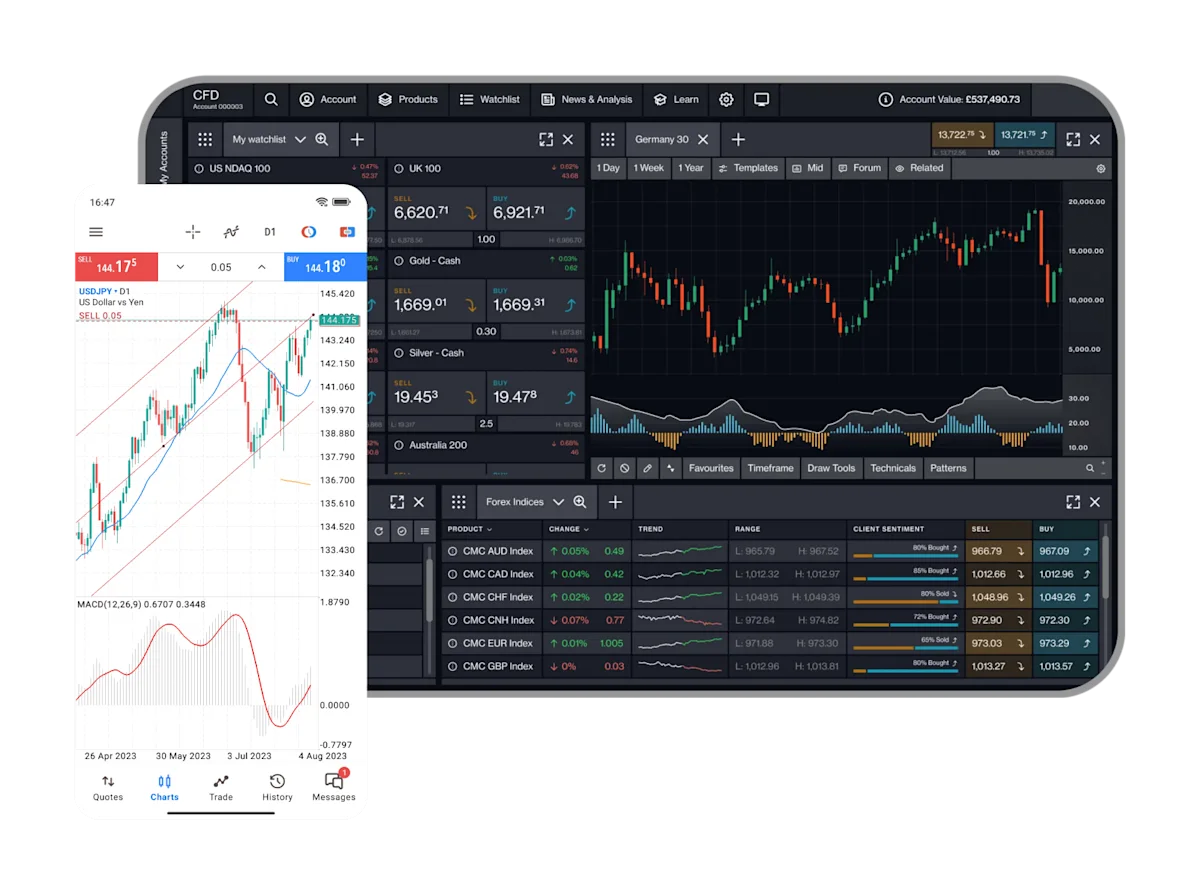
Why open an MT4 demo account with us?
A MetaTrader 4 demo account allows you to practise trading across key global markets. Get to know the platform and practise your trading strategies.
Open a free MT4 demo account to trade CFDs on a wide range of forex pairs, indices, commodities and cryptos.
Trade $10,000 of virtual cash
Competitive spreads and margins across several asset classes
Test strategies and use MT4’s Expert Advisors to automate your trades

A MetaTrader 4 demo account allows you to practise trading across key global markets. Get to know the platform and practise your trading strategies.
Utilise MT4's powerful charting and innovative trading tools to take your trading to the next level.
Ultra-low spreads on 175+ FX pairs, indices, commodities and cryptos, plus 0.0 pips* on 6 major FX pairs.
Enhance your trading with access to our library of free MT4 indicators and add-ons.
*Available for FX Active accounts only. Commission is charged at 0.0025% per transaction. MT4 commission charged up front for opening and closing. View the T&Cs here.

MetaTrader 4 (MT4) with CMC Markets
Utilise the power of algorithmic trading on MT4 and sign up for an account to trade CFDs with CMC Markets. Experience tight spreads and automated trade execution in 66ms* on over 200 instruments.
Access competitive spreads on 200+ instruments including FX pairs, indices, commodities, and cryptos.
Get the trade you want – we don't reject or partially fill trades based on size
Advanced charting tools, EA's and algorithmic trading.
Receive local support backed by over 30 years’ global trading experience.
*MT4 market orders CFD average trade execution time, August 2023. Your execution time may differ.

Product |
|---|
- |
- |
- |
- |
- |
- |
Min spread | Buy | Day | Week | Trend |
|---|---|---|---|---|
- | - | -% | -% | |
- | - | -% | -% | |
- | - | -% | -% | |
- | - | -% | -% | |
- | - | -% | -% | |
- | - | -% | -% |
An MT4 demo account with CMC Markets allows you to trade across a number of with $10,000 of virtual cash.
Trade on currencies, indices and commodities and crypto.
Access our free library of MT4 add-ons and indicators, including pivot points and renko charts.
Draw freehand on charts.
Develop, test and apply your own algorithms. No coding needed.

You can apply for an MT4 account here.
If you currently already have a Next Generation Trading account, you will need to apply for a separate MT4 account.
MT4 demo accounts remain active as long as you log in to your MT4 trading platform at least once every 30 days. If you don’t log in within that timeframe, your account will automatically be closed. You can set up a new demo account again at any time in the future.
For your demo account, you will need to use: “CMCMarkets1-Demo”
For your live account, you will need to use: “CMCMarkets1-Live”
Yes - MT4 can be used on Android and Apple devices. Simply search for ‘MT4’ in the app store.
You can learn more about MT4 indicators and add-ons, and download them for free here.
We currently offer selected Forex, Indices and Commodities products. You can also trade on Shares through our Next Generation Trading platform via a separate Next Generation CFD Account.
You can access our most recent product offering by right-clicking in the ‘marketwatch’ window and selecting ‘show all.’
The maximum trade size varies depending on the product.
For more specific product information, right-click on the product inside the ‘marketwatch’ window and select “specification.” This will provide more detailed information about minimum and maximum trade size for that product.
The MT4 platform is free. Standard holding costs and spreads apply to most products as with our Next Generation trading platform.
For a complete picture of related costs, please log in to the Next Generation portal and locate the “product overview” information window for that product to see the complete list.
We use our native built, award-winning Next Generation trading platform to facilitate funding limitations within the MT4 platform and provide a secure funding process for our clients.
On top of funding, withdrawals and account information, your access to this Next Generation account also offers a market calendar, Reuters and client sentiment tools.
You can see your balance and also generate an MT4 trading statement in the MT4 portal itself. Your MT4 account statements and balance can also be accessed within the Next Generation admin portal.
You can access this by clicking on “Statement Centre” located in the Account tab, which is found on the main menu.
To add an EA, open MT4 and go to ‘file.’ Then ‘open data folder’. Choose ‘MQL4’, and then ‘expert advisors’ or ‘indicators’.
You can then copy the file you want to add and drag/drop it into your preferred location. Close and reopen MT4, and you should see the item in the navigator window.
For further information on how to download and install MT4, you can read our guide here.
If you are experiencing issues with downloading or installing MT4 our support team will be happy to assist you on 0800 26 26 27.
MT4 is designed to be used on a PC using what is called a .NET framework. This framework is not currently supported by Mac.
To view your trade history through MT4, log in to MT4 and go to the 'terminal' window.
Choose the 'account history' tab at the bottom of the terminal window. From here you can right click anywhere within the window; this will prompt you to select which history you'd like to download.